Upgrading to new Visual Studio Version
These notes are for Atlantis developers to follow when Microsoft releases a new version of Visual Studio.
Which version to download?
Download the version that talks about including the C++ compilers. Originally this would have been a separate C++ version but as of 2012 this seems to be a Windows Desktop version. Follow usual steps to install.Check out a clean copy of Atlantis into a temporary folder. This ensures we can revert converted files later.
Open the atlantis.sln that is the most recent. Ie if you are creating a solution for VS 2012 then open the VS 2010 version.
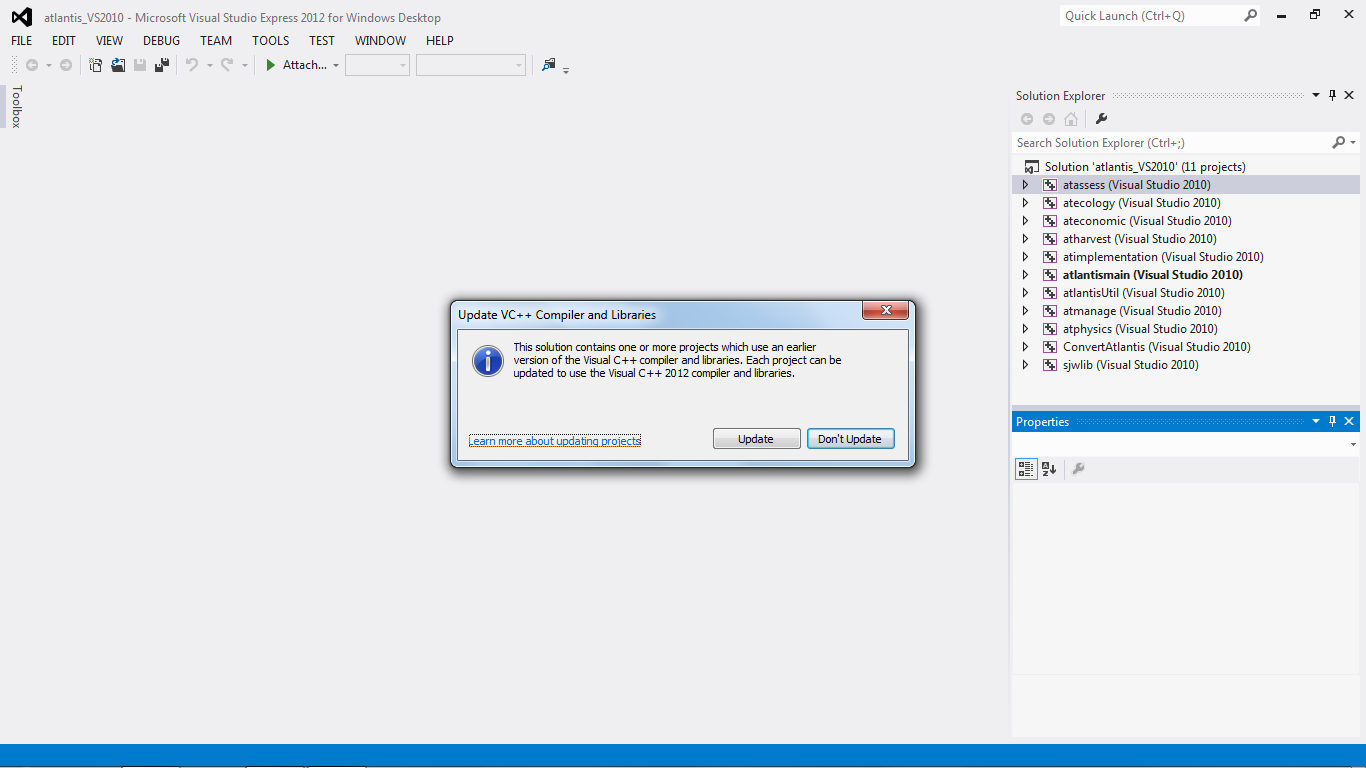
Make sure it all builds.
The next thing is to rename all the old projects that have been updated to the new version. So if you have opened the 2010 version you will see that each of these projects have changed, Rename these to 2012.
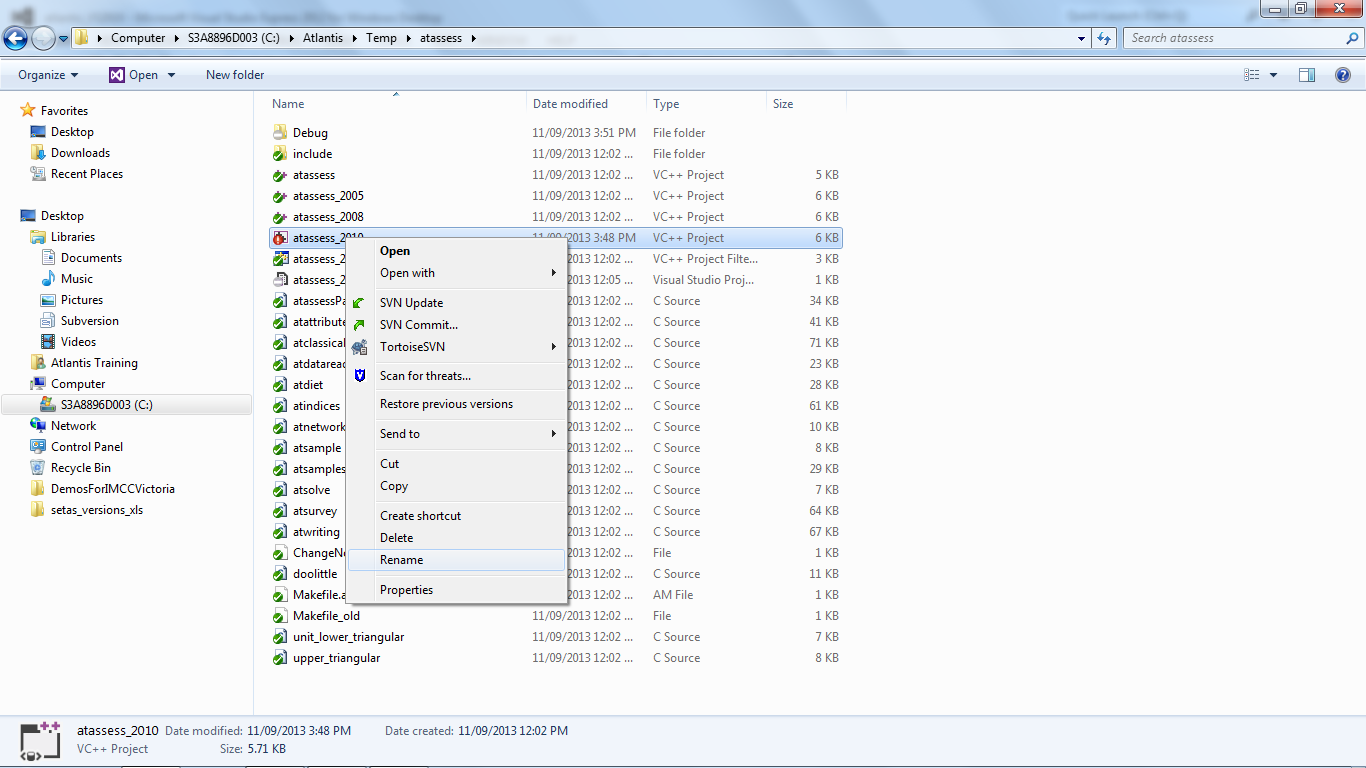
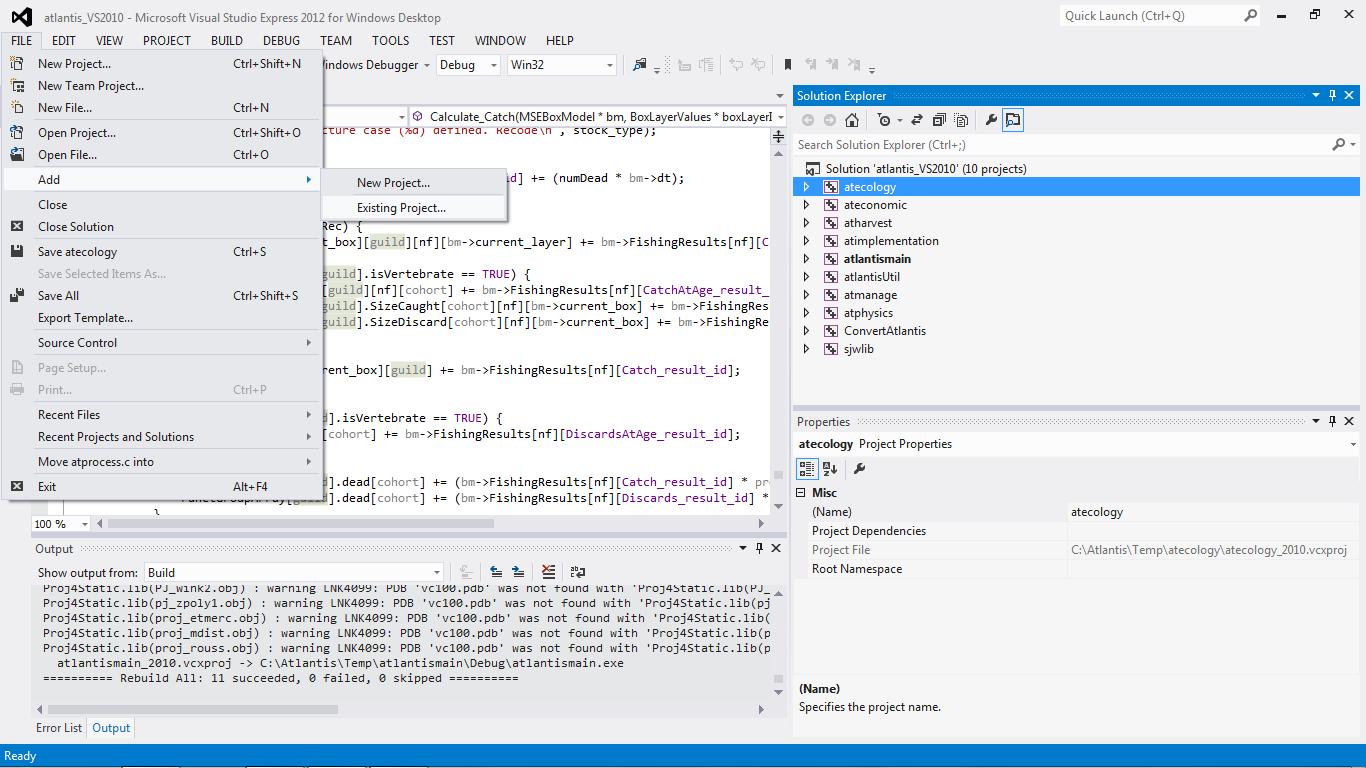
Then you want to remove all of the old projects from the solution in Visual Studio. Then add the newly named 2012 version. File->Add->Existing Project
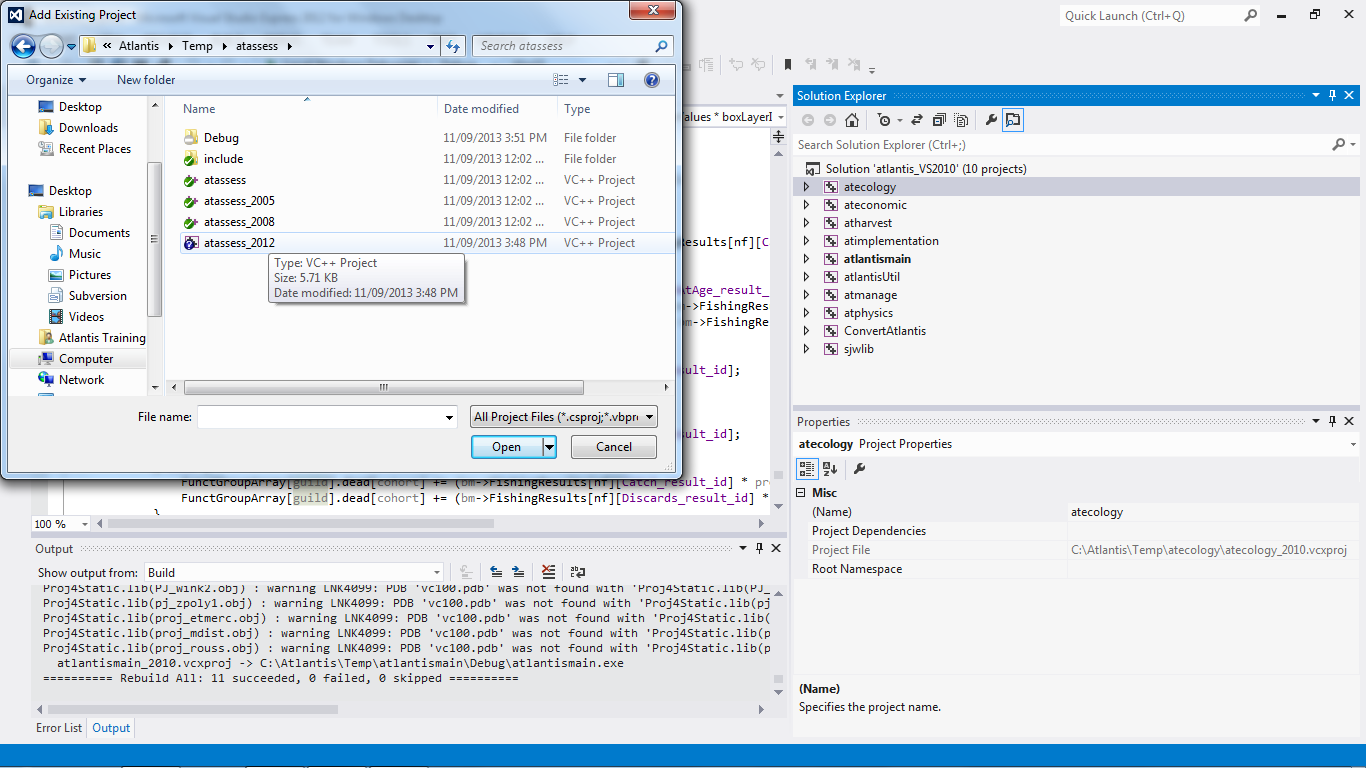
Make sure you set the atlantismain project as the StartUp Project.
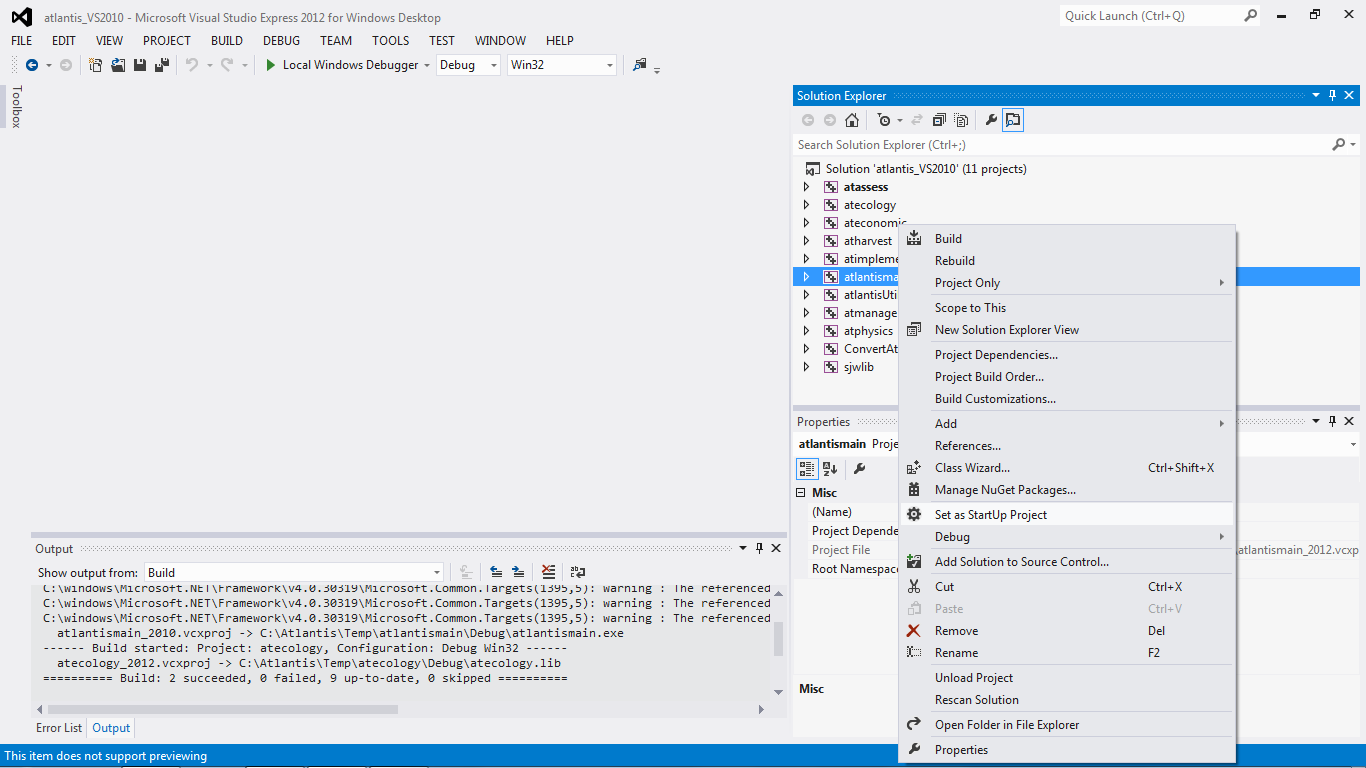
Again check that it builds.
Now have a look in Windows Explorer. You will see all the folders that have changed. Don’t worry about the atlink, atCLAMLink or atbrokerlink folders. These will be updated are they are needed and these are not included in the normal Atlantis compile.
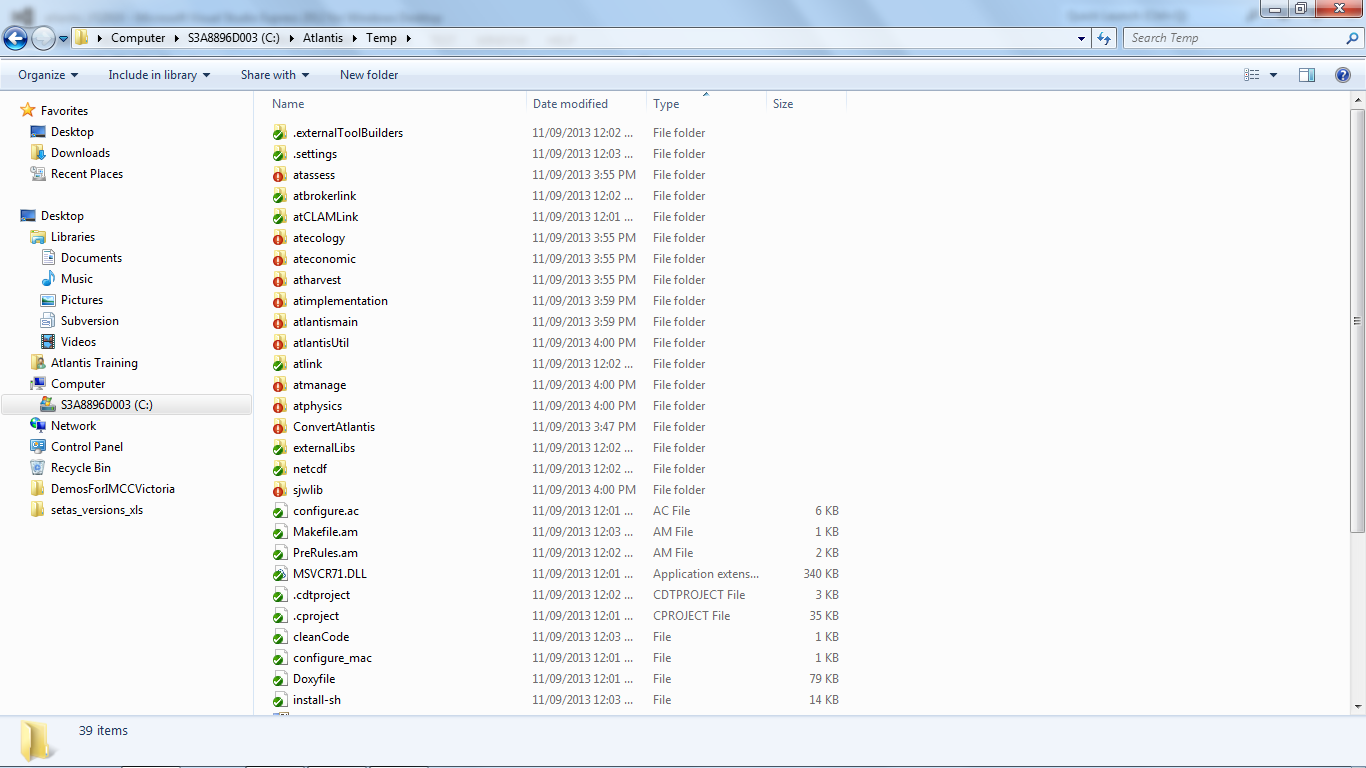
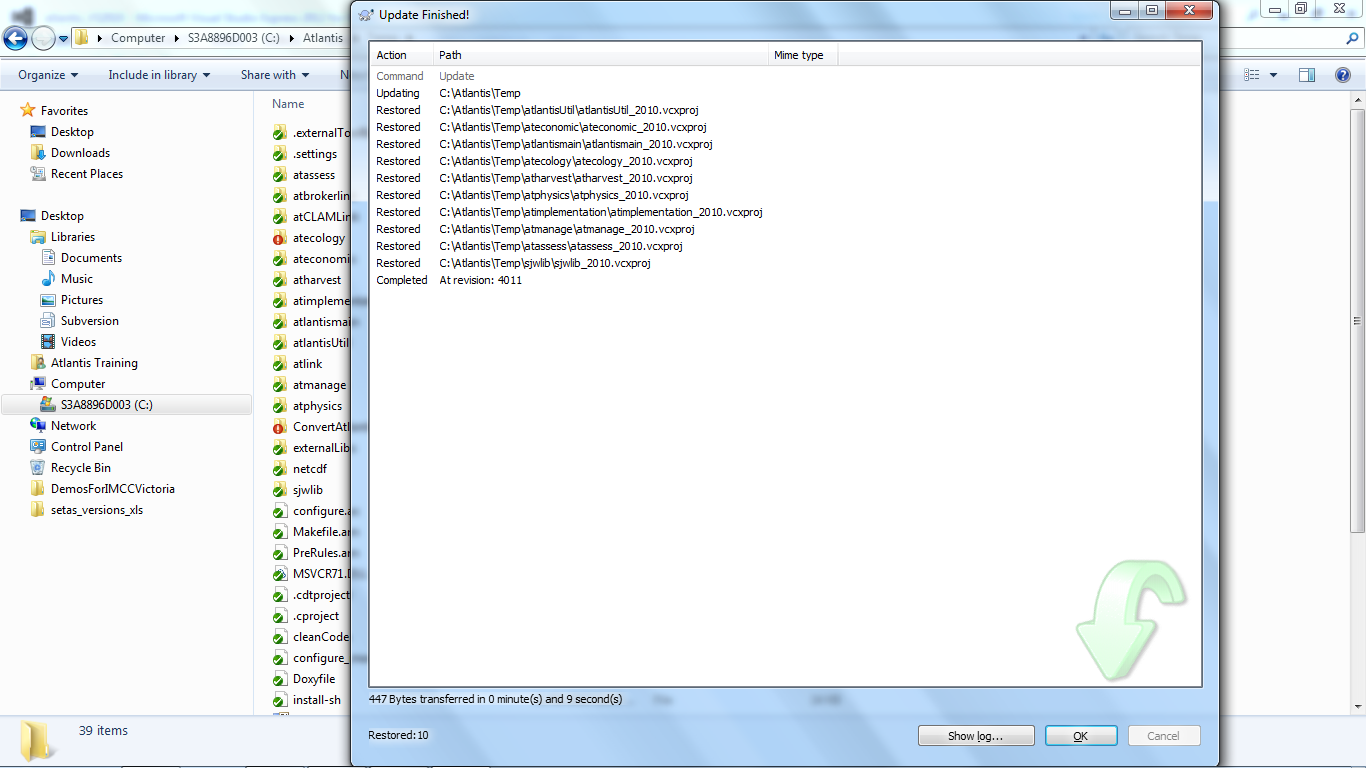
Now you need to add these new project files to SVN. First do an update. This will replace the 2012 project files that you had updated.
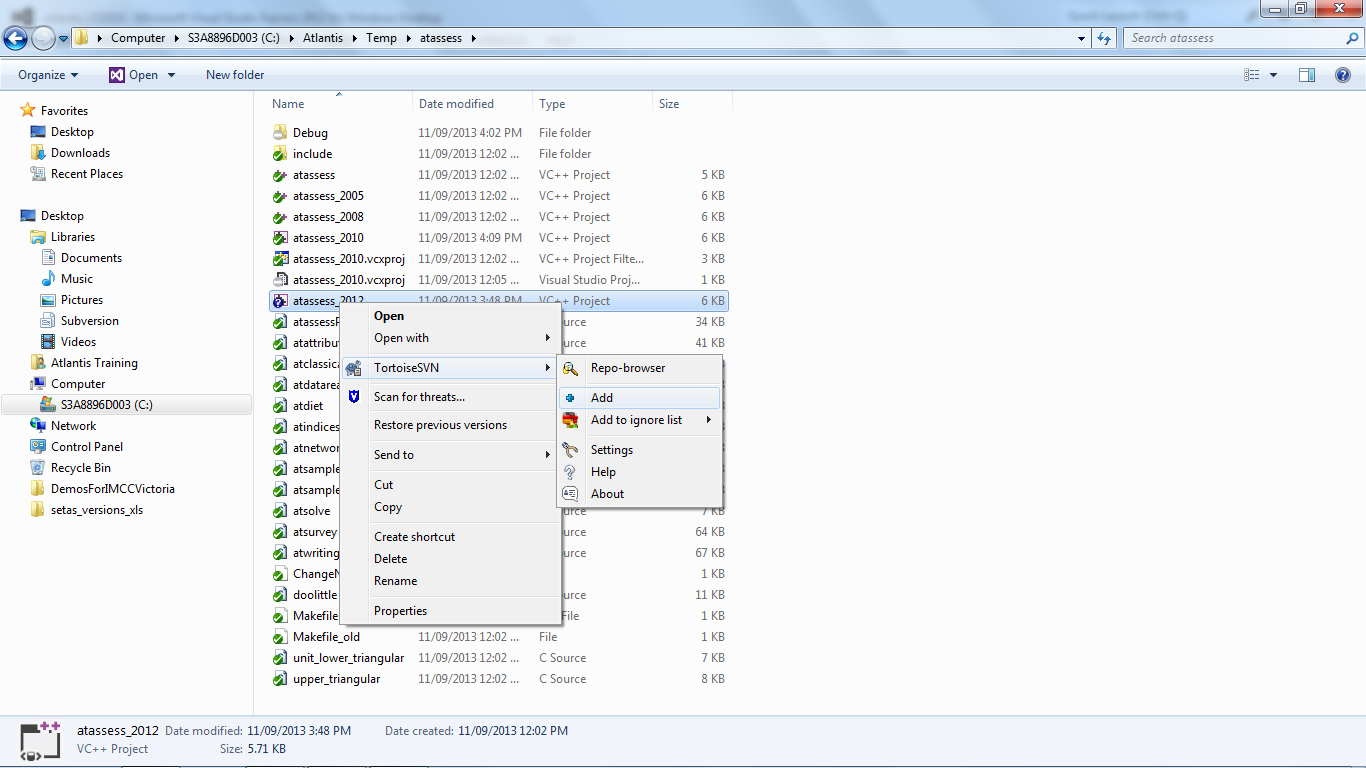
Then add each new project file:
Save the solution as a 2012 version and add it to the repository,
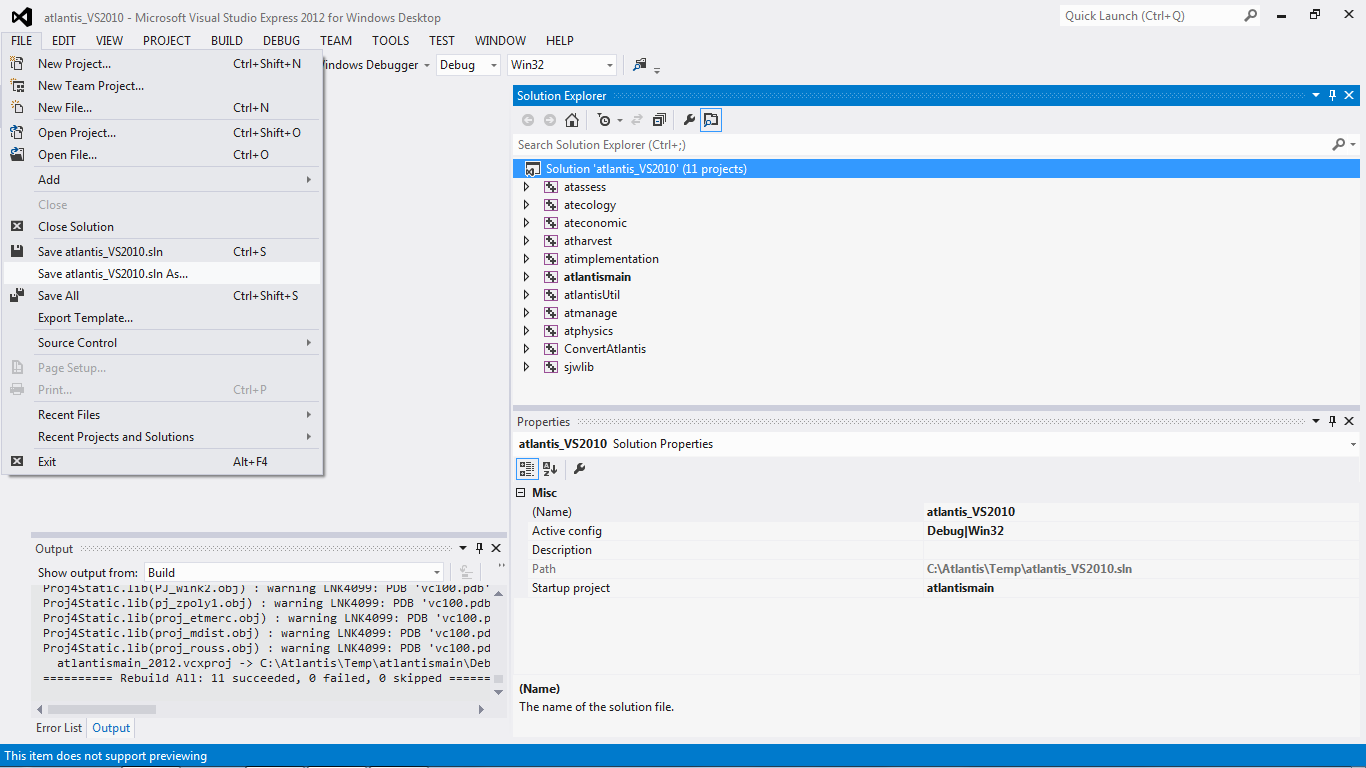
Revert the old 2010 solution file.
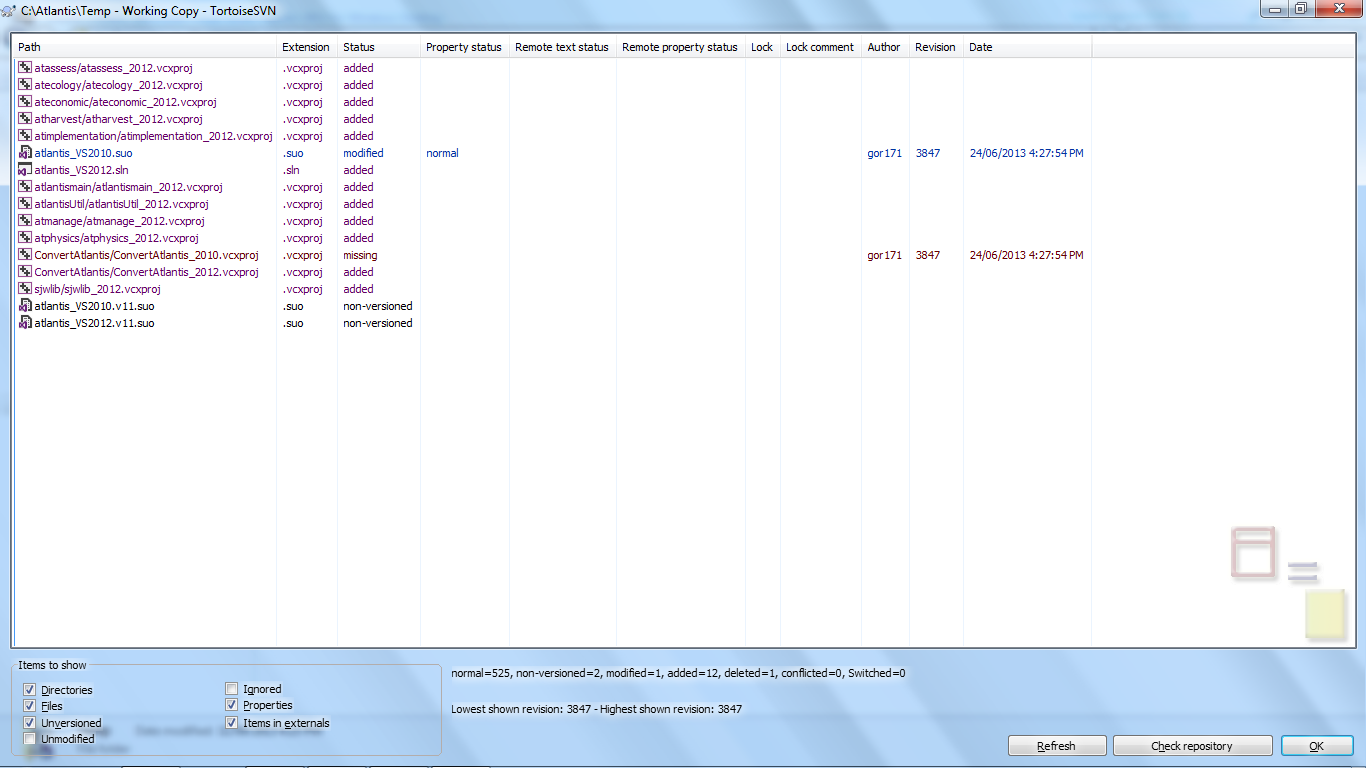
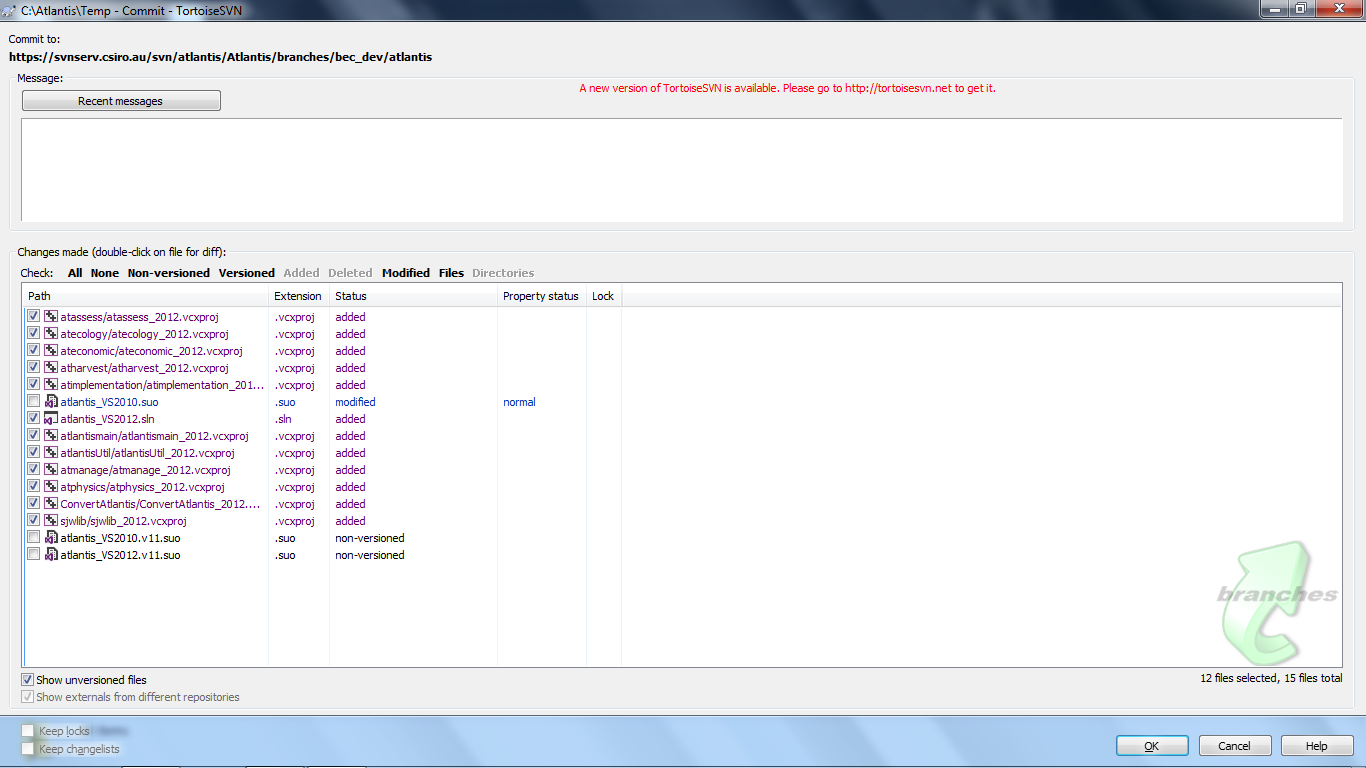
Before you check in the new files make sure you do a compare to make sure you are not changing any of the exiting files in the repository. Looking at the image below you can see that the atlantis_VS2010.suo file has changed. Don’t check this change in as it might stuff up people who are still using 2010.
Make sure you test to make sure the newly compiled version runs and generates the same results as the previous version. Best to create two different executables, do two runs with different output folder destinations (-d OutputFolder) and compare the results that way.